I tried to build a high-end AMD gaming PC out of Cyber Monday deals but RAM prices make prebuilts better value for money
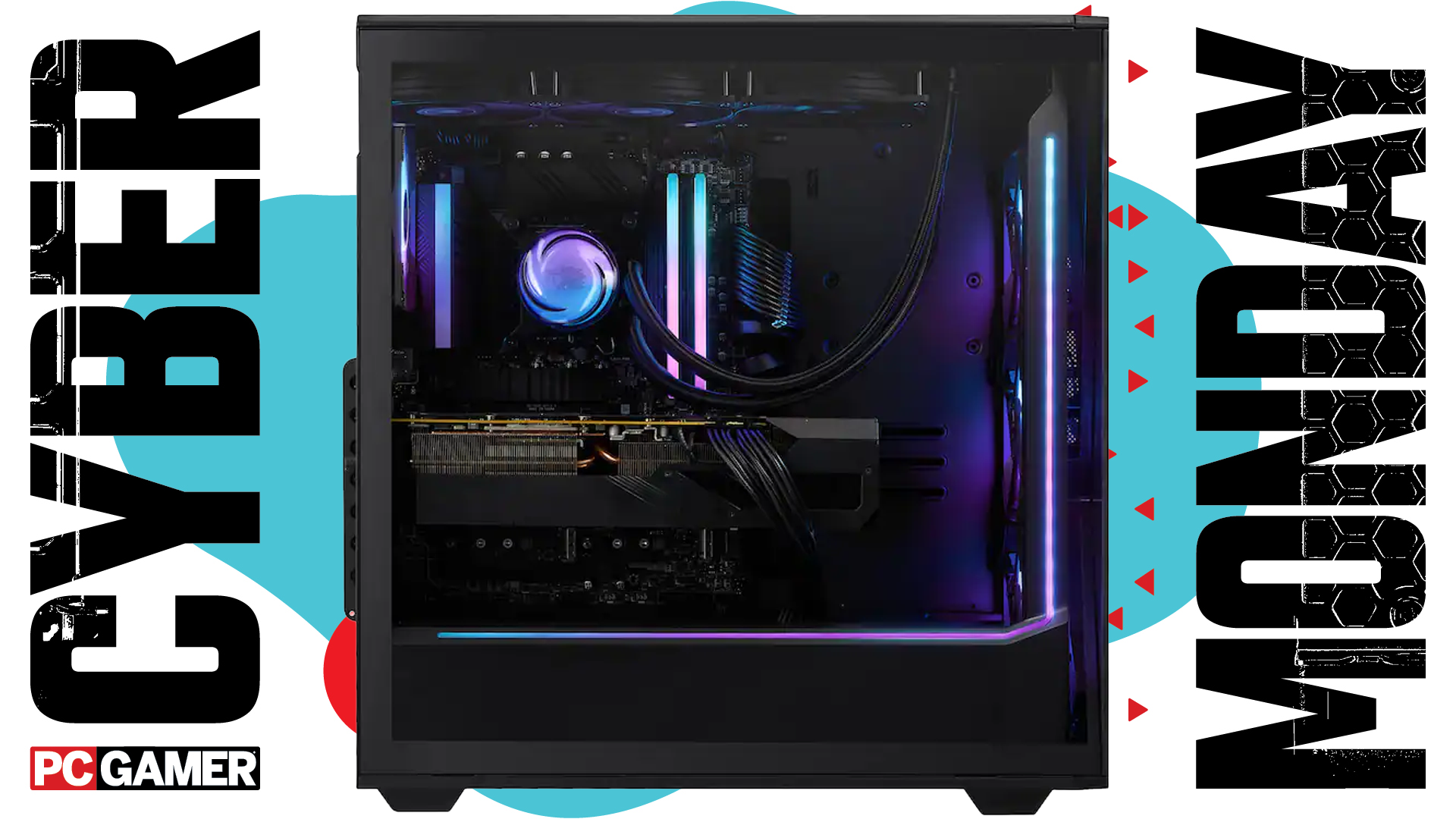
I’m a big advocate for building your own PC. It’s fun, you learn a lot and you can often save some money doing it yourself. I’ve built heaps of gaming PCs over the course of this year, and I’m usually pretty confident in beating a prebuilt for part selection and performance with the right deals.
There are plenty of deals on PC parts today. If you’re upgrading your existing PC, there are many deals worth looking into. However, building one from scratch is becoming a bit of a nightmare due to extremely inflated RAM prices, and to some degree, SSDs too.
In fact, RAM might’ve killed my dreams of building a desirable AMD gaming PC with only products on offer this weekend. I started out pretty confident, choosing the discounted RX 9070 16 GB as a basis to build out the rest of the rig. I wanted to build a high-end PC here, one I would want myself, not just use the cheapest parts. The last-gen but good value for money Ryzen 7 7800X3D followed, with a cheaper than usual X870 motherboard to go with it.
The case, cooler and PSU are all heavily discounted too. In fact, the MasterLiquid Core II is a stellar pick at only $65, as it’s one of the best value coolers I’ve tested all year.
But alas, when I reached the RAM and SSD, everything changed for the worse.
We’ve been writing about RAM prices exploding these past few months, and so it comes as no surprise that they’re bad, but it is a surprise just how bad they’ve gotten over the past few days.
From a couple hundred bucks for a 32 GB kit to upwards of $400 in some cases. I’d never recommend anything of the sort, but even my best efforts only came up with a DDR5-6000 kit rated to CL36 for $300. Not ideal.
You can grab slower kits for less, but not so much less to make them desirable. I’d even consider buying a cheaper 16 GB kit and just living with that for a year in hopes that RAM prices come down enough to buy 32 GB at some point in the future.

Similar, the best SSD deals have seemingly started to dry up now. I’ve managed to find one good PCIe 5.0 SSD from Samsung that’s still on offer. It’s not super-cheap, but it’s one of the fastest around.
That’s the thing, you could buy much more affordable parts, but you’d be getting a different level of performance out of your PC. And what I’ve found from picking these parts out is that the total for this build ($1,835) is a lot more than a prebuilt PC with similar, if not better, parts.
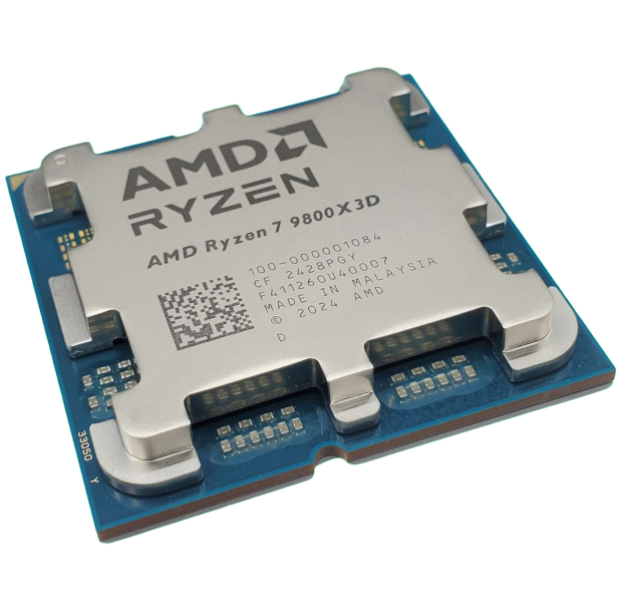
You can score a prebuilt with an RX 9070 XT and 32 GB of RAM for $1,650 right now. The SSD might not be as good, nor the motherboard, and I have more faith in the case, PSU and cooling I’ve chosen, but it even improves upon the CPU with the more modern Ryzen 7 9800X3D. Even if I picked a cheaper motherboard, cooler, case and SSD, I’m still not saving anywhere near enough to make the build worthwhile.
So, it’s a bit depressing out there for PC building. Thanks, AI. I’ll drop my build below and links to some decent alternative gaming PCs for your consideration in these dire times.
The build

PowerColor
RX 9070 | 16 GB
The RX 9070 is one of AMD’s better GPUs for many years and is not that much slower than the XT version. It’s been so popular that it’s taken months for the price to drop to anywhere near AMD’s MSRP. More expensive than the RTX 5070, but it’s a faster card all round.
Key specs: 3584 shaders | 2520 MHz boost | 16 GB GDDR6

Although it has been superseded by the newer 9800X3D, the is still a superlative gaming CPU. That’s why it’s still pretty expensive for an eight-core processor. It runs pretty hot, so you’ll need a decent cooler to go with it.
Key specs: 8 cores | 16 threads | 5.0 GHz boost | 96 MB L3 | 120 W

Gigabyte
X870 Eagle WiFi7
You could opt for a B850 motherboard to save some cash, but they’re not that much cheaper than low-end X870 boards. And you lose out on things like USB4 connectivity, which might be a pretty big deal down the line. This Gigabyte X870 is a bit basic for an X870 but it does have all these things you’d lose on a marginally cheaper B850.
Key specs: 14+2+2 VRM | 1x Gen5 NVMe | Wi-Fi 7 | 2x USB4 rear

The best deal I can currently find on a 2 TB PCIe 5.0 NVMe SSD. It’s one of the quickest out there with 14,700 MB/s sequential read speeds, and though it’s not our pick for the best SSD for gaming, we can’t find anything that beats it on price for PCIe 5.0 right now.
Key specs: NVMe | PCIe 5.0 | 14,700 MB/s read | 13,400 MB/s write

ASRock
Steel Legend SL-1000G
Beefy graphics cards need an equally beefy power supply unit, but it’s not all about the watts. ASRock’s SL-1000G is loaded with sockets, with five 8-pin PCIe (so any motherboard and AMD GPU will be fine) and a dedicated 12V-2×6 for Nvidia graphics cards.
Key specs: 1000 W | 80+ Gold & Cybenetics Platinum | 12V-2×6 socket & cable | 5x 8-pin PCIe sockets | Fully modular

Cooler Master
MasterLiquid 360 Core II
This is a ridiculous price for one of the best liquid coolers we’ve tested. It’s simple to install, works great, and looks good. Don’t forget the extra $5 coupon and you’re sneaking in under $60 for a 360 mm radiator. Excellent value for money.
Key specs: All-in-one | 360 mm | 3x MF120 fans

We’re fans of the Corsair Frame 4000D, having used it for review and a PC build earlier in the year. It’s made for iCUE, Corsair’s own ecosystem of parts, but you can ignore all that if you prefer. In fact, the fans included here are the cheaper RS fans without iCUE support, which I generally prefer. Altogether, a good-looking case at a great price.
Key specs: ATX support | 3x 120 mm fans included | Fits 360 mm radiators

G.Skill
Ripjaws S5 DDR5-6000 (CL36)
There are no RAM deals right now. The market is in turmoil thanks to increased demand and customers are paying the price. I wouldn’t usually recommend a CL36 kit, but you’re looking at another $50 for CL30 and RGB lighting. That might be worth it to you. Perhaps you’d prefer to stick with 16 GB for the time being to save cash. The best 16 GB kit we’ve found is $130. You could stick four of those in, but generally we’d recommend sticking with two DIMMs for stability.
Key specs: DDR5 | CL36 | 2x 16 GB (32 GB) | 6000 MT/s
The parts
Prebuilt PCs

Best PC build 2025
link