


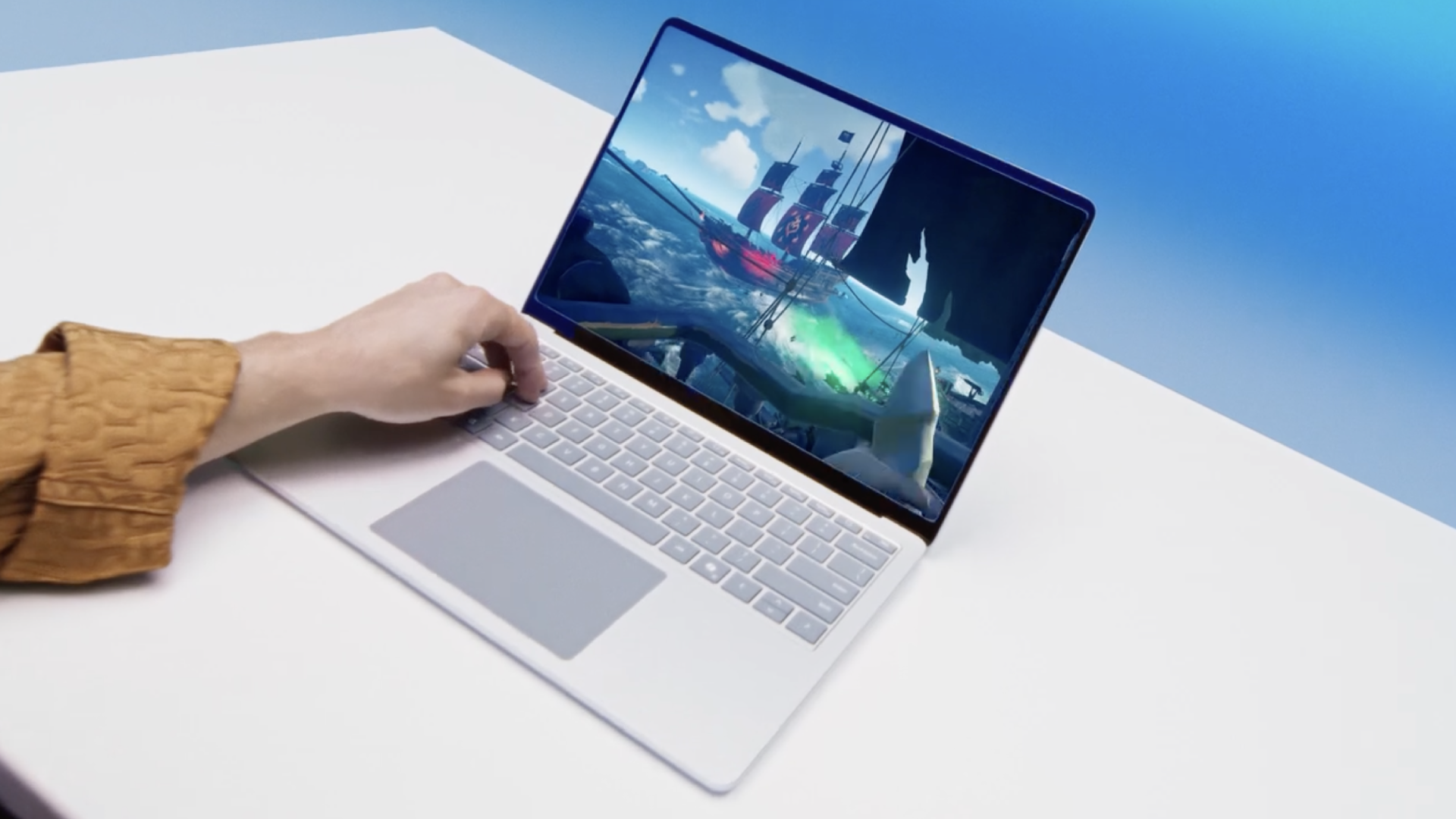
Here’s one we missed a few weeks ago. Microsoft has posted a new guide to PC gaming hardware. It’s a pretty broad overview and not actually a completely terrible starting point for PC hardware novices. But there are some frustrating oversimplifications, some notable omissions and at least one example of unforgivable marketing nonsense involving Microsoft’s Copilot+ PC standard.
Titled “How to optimize your gaming PC setup,” the guide touches on most key hardware issues, albeit with one fairly obvious omission. It kicks off with CPU and GPU recommendations.
Microsoft goes on to explain that you should, “pair your GPU with your monitor’s refresh rate. If your monitor tops out at 144 Hz, you won’t see a benefit from a GPU that can push 240 fps—save your budget for faster storage or a better cooling solution.”
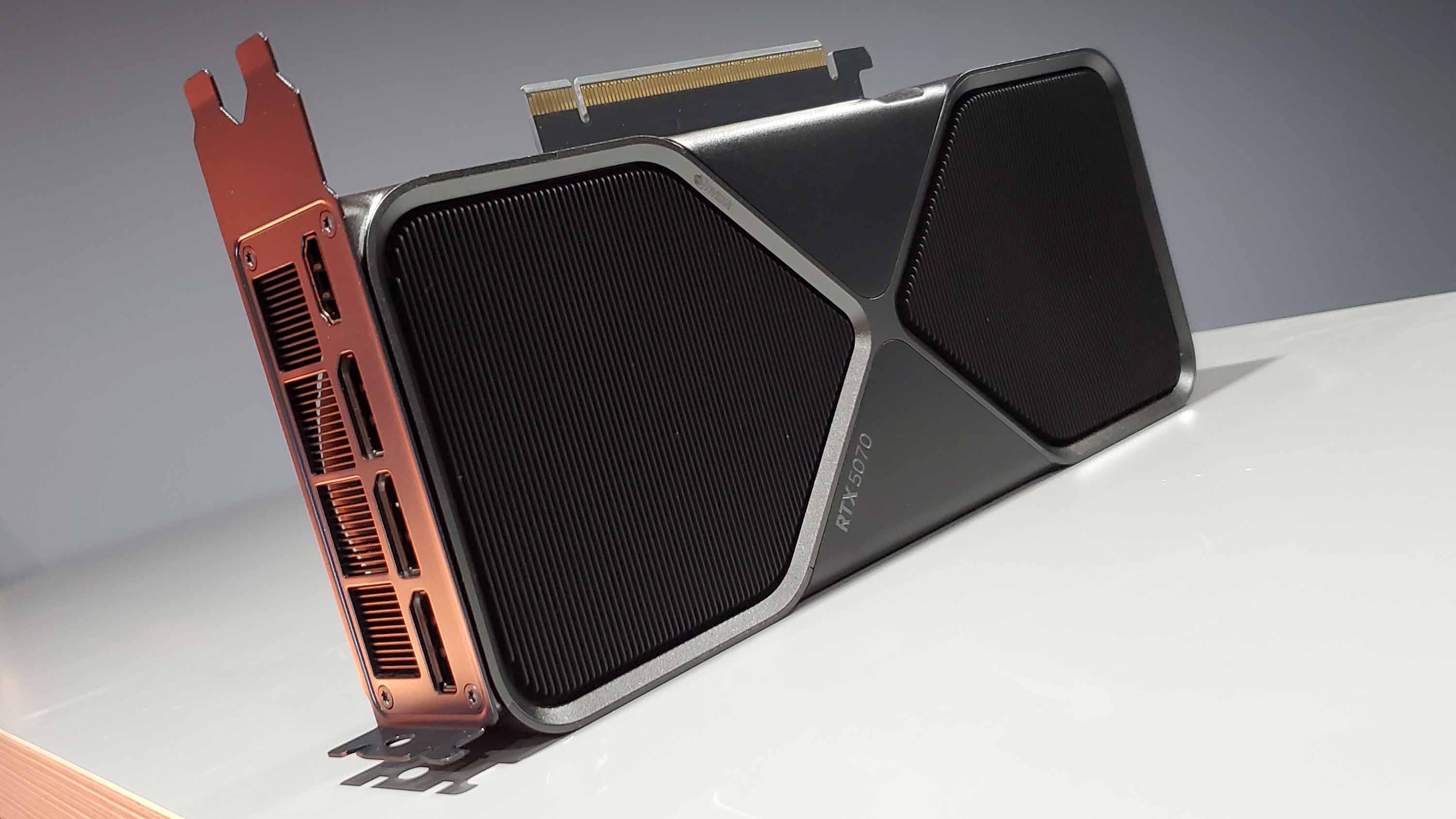

Less useful or even forgivable is Microsoft’s shameless plugs for Copilot+ AI PCs. Right up top, when discussing basic CPU and GPU configurations, Microsoft says, “if you’d rather skip the part-matching headache, Copilot+ PCs come pre-configured with the latest CPUs, GPUs, and thermal designs tuned for gaming, so you can dive straight into the action.”
And that, ladies and germs, is a pretty blatant falsehood. The main requirement for a Copilot+ PC is a hardware NPU. There’s no other specific CPU or GPU requirement, and there are plenty of Copilot+ PCs which would be very poor choices for gaming. In short, the Copilot+ PC standard has pretty much nothing to do with gaming.
That travesty aside, there are a few notable omissions. Microsoft, for instance, doesn’t mention upscaling technology at all. Presumably, Microsoft didn’t want to plug the likes of Nvidia’s DLSS or AMD’s FSR technologies.
But the result is a pretty gaping hole in a guide that’s meant to teach wannabe PC gamers the basics. These days, upscaling is such an important technology, it’s definitely something to which beginners need to be introduced.
Anywho, those shortcomings aside, the guide is probably a bit better than you might have expected from Microsoft. It’s a reasonable starting point for beginners. If you want something that’s a bit more useful when actually configuring and buying a PC, I’d commend our own budget, mid-range and high-end PC build recommendations, complete with prices and buying links.

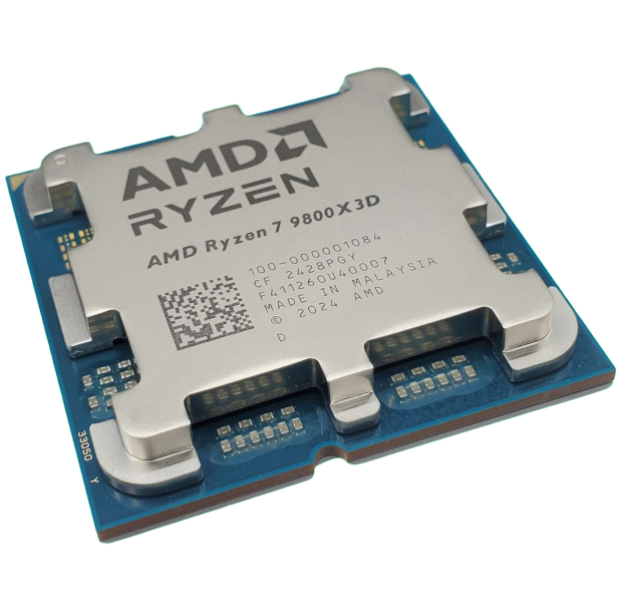
Best PC build 2025
link