


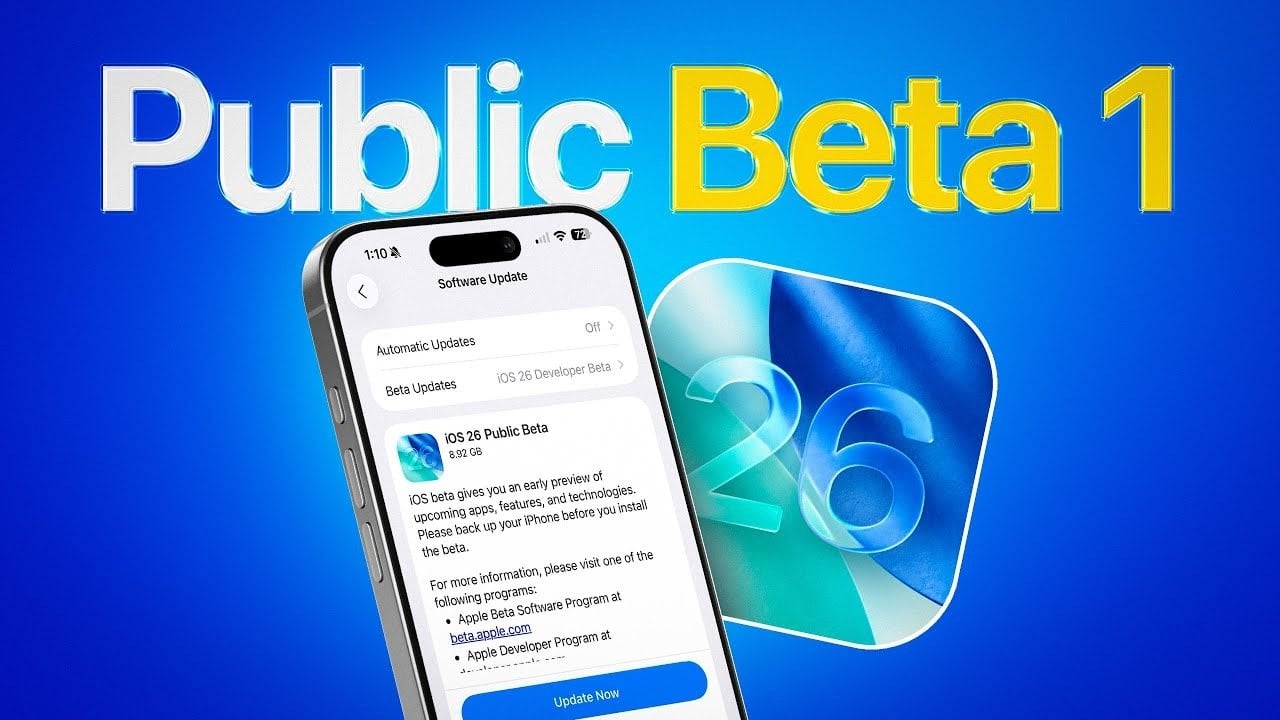
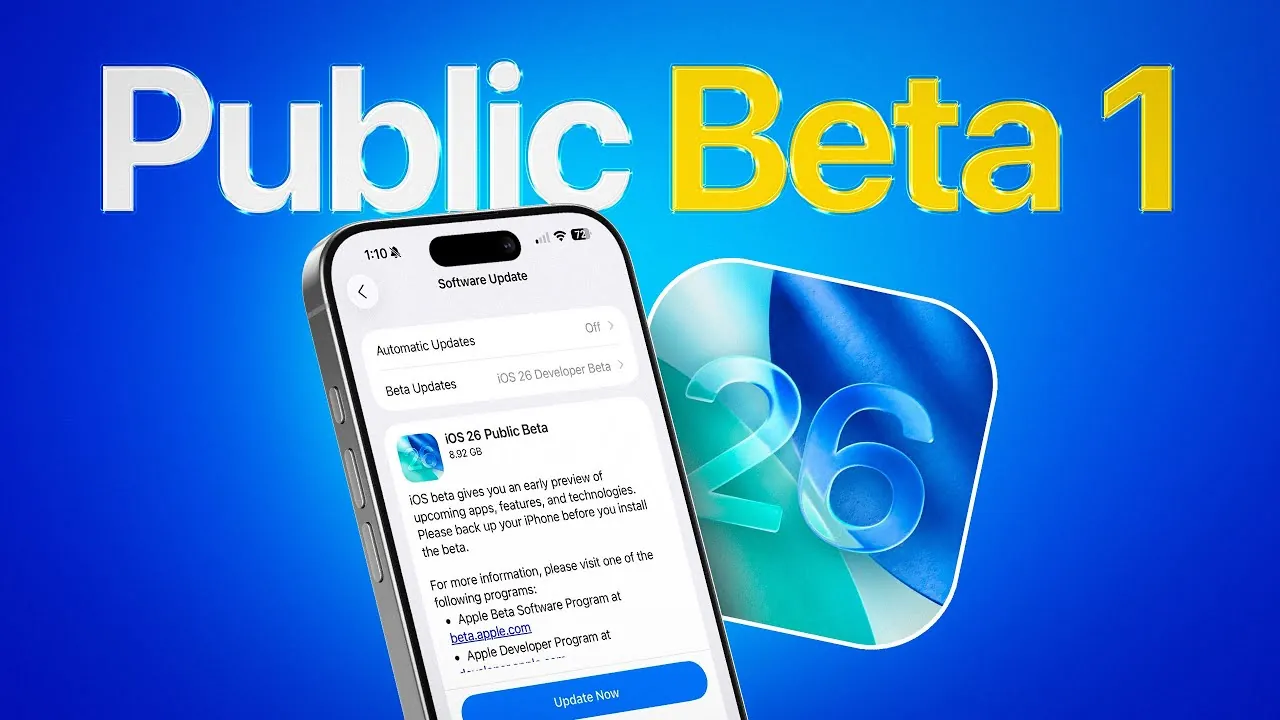

Apple has officially released the iOS 26 public beta, offering users an early look at the next iteration of its mobile operating system. This pre-release version allows Apple to gather valuable feedback and address any issues before the full launch, anticipated in mid-September 2025. While the beta provides a preview of exciting new features, it also comes with potential risks, such as bugs and performance instability. Below is a comprehensive guide to help you install the beta and understand its key aspects. The video below from iDeviceHelp shows us how to install the new public beta of iOS 26.


What Is the iOS 26 Public Beta?
The iOS 26 public beta is a pre-release version of Apple’s upcoming mobile operating system, made available to a broader audience beyond developers. It enables users to explore new features and provide feedback, which helps Apple refine the software ahead of its official release. While the public beta includes the same features as the developer beta, it is typically released later to address critical bugs identified during earlier testing phases. This makes it a slightly more stable option for those eager to try out the latest updates.
By participating in the public beta, you contribute to the improvement of iOS 26 while gaining early access to its features. However, it’s important to note that beta software is still under development and may not perform as reliably as the final version.
How to Install the iOS 26 Public Beta
To install the iOS 26 public beta, you must first enroll in Apple’s public beta program. Follow these steps to get started:
- Open Safari on your iPhone or iPad and navigate to Apple’s public beta program website.
- Sign in using your Apple ID. If you don’t already have an Apple ID, create one before proceeding.
- Select iOS as the beta software you wish to test and follow the on-screen instructions to enroll your device.
- Download the beta profile to your device and enable beta updates in your settings.
Once your device is enrolled, you can download and install the beta by going to the Software Update section in your device’s settings. Ensure your device is connected to Wi-Fi and has sufficient battery life before starting the installation process.
Preparing for Installation
Installing beta software involves certain risks, so it’s essential to take precautions to safeguard your data and device. Here are some steps to prepare:
- Back up your device: Use iCloud or a computer to create a complete backup of your data. This ensures you can restore your device if something goes wrong during the installation.
- Verify your Apple ID credentials: Ensure your Apple ID login details are accurate and up to date. You’ll need these credentials to access the beta program and restore backups if necessary.
- Use a secondary device: If possible, install the beta on a secondary device. This minimizes the risk of disruptions to your primary device’s functionality.
Taking these precautions can help you avoid potential complications and ensure a smoother experience with the beta software.
Public Beta vs. Developer Beta: Key Differences
Both the public beta and developer beta versions of iOS 26 include the same features, but there are notable differences in their release timelines and stability. The developer beta is released first, allowing developers to identify and report major bugs. The public beta is then launched later, incorporating fixes for these initial issues. As a result, the public beta is generally more stable, though it remains a work in progress.
By choosing the public beta, you gain early access to new features while helping Apple identify and resolve any remaining issues. However, it’s important to remember that even the public beta may include bugs and performance inconsistencies.
Potential Risks and Considerations
While the iOS 26 public beta offers an exciting preview of Apple’s latest features, it’s not without its challenges. Beta software is inherently experimental and may include the following risks:
- Performance issues: You may encounter slower app loading times, reduced battery life, or other performance-related problems.
- Compatibility problems: Some apps or services may not function as expected with the beta software.
- Unexpected crashes: The system or individual apps may crash, potentially disrupting your daily use.
Even after the official release, minor issues may persist as Apple continues to refine the software. It’s important to manage your expectations and understand that beta software is not fully polished.
Making the Most of the iOS 26 Public Beta
The iOS 26 public beta provides a unique opportunity to explore Apple’s latest advancements before their official release. By enrolling in the program, you can contribute to the development process while gaining early access to new features. To make the most of this experience, ensure you back up your data, prepare for potential bugs, and consider using a secondary device for testing.
Whether you’re a tech enthusiast or simply curious about what’s next, the iOS 26 public beta offers an exciting glimpse into the future of Apple’s mobile ecosystem. While it comes with certain risks, careful preparation can help you enjoy a smoother and more rewarding experience with this pre-release software.
Here are more detailed guides and articles that you may find helpful on iOS 26.
Source & Image Credit: iDeviceHelp
Filed Under: Apple, Apple iPhone, Top News
Latest Geeky Gadgets Deals
Disclosure: Some of our articles include affiliate links. If you buy something through one of these links, Geeky Gadgets may earn an affiliate commission. Learn about our Disclosure Policy.
link